03 / Printer library
Start with the printers you own.
Pick from 104 built-in profiles across 22 brands, or add a custom machine with the build volume that is actually on your desk.

99Split · 3D print preparation
Split oversized 3D models for the printers you actually own. Or paint faces and turn one model into aligned color parts—all in one focused, native Mac workspace.

Model in · Print plan out
Choose the printers on your bench. 99Split studies their build volumes, divides an oversized model into purposeful parts, and groups the export for the machines that can print them.
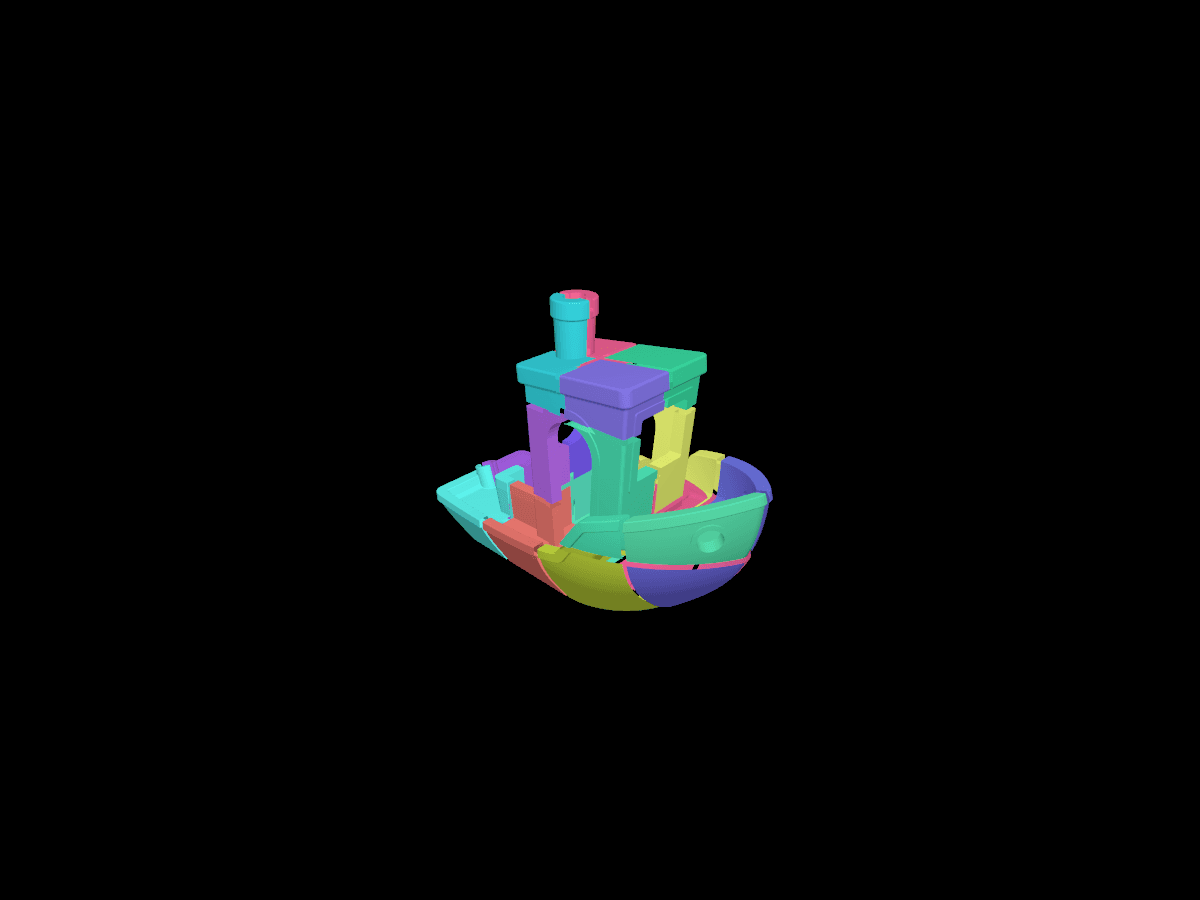
Paint the geometry
Brush the faces you want, or fill connected regions. Then prepare one aligned STL volume for every color you used—ready for separate materials, separate printers, or a clean assembly.
Pick from 104 built-in profiles across 22 brands, or add a custom machine with the build volume that is actually on your desk.
Set quantities and speed factors, then see part assignments and a rough print-time estimate without juggling machines in your head.
Preview processed parts, save the project, and export grouped STL and 3MF packages. Geometry checks stop unverified split output before it reaches the printer.
One focused workflow
99Split · Coming soon to Mac