03 / Apple Health
Your body already knows a lot.
Bring in weight, active calories, distance, and workouts — then optionally write completed training back to Health.

99Fit · Fat-loss companion
Your calories, protein, workouts, and goal — clear at a glance. Describe a meal, shoot a photo, or log it yourself. 99Fit keeps the day honest.
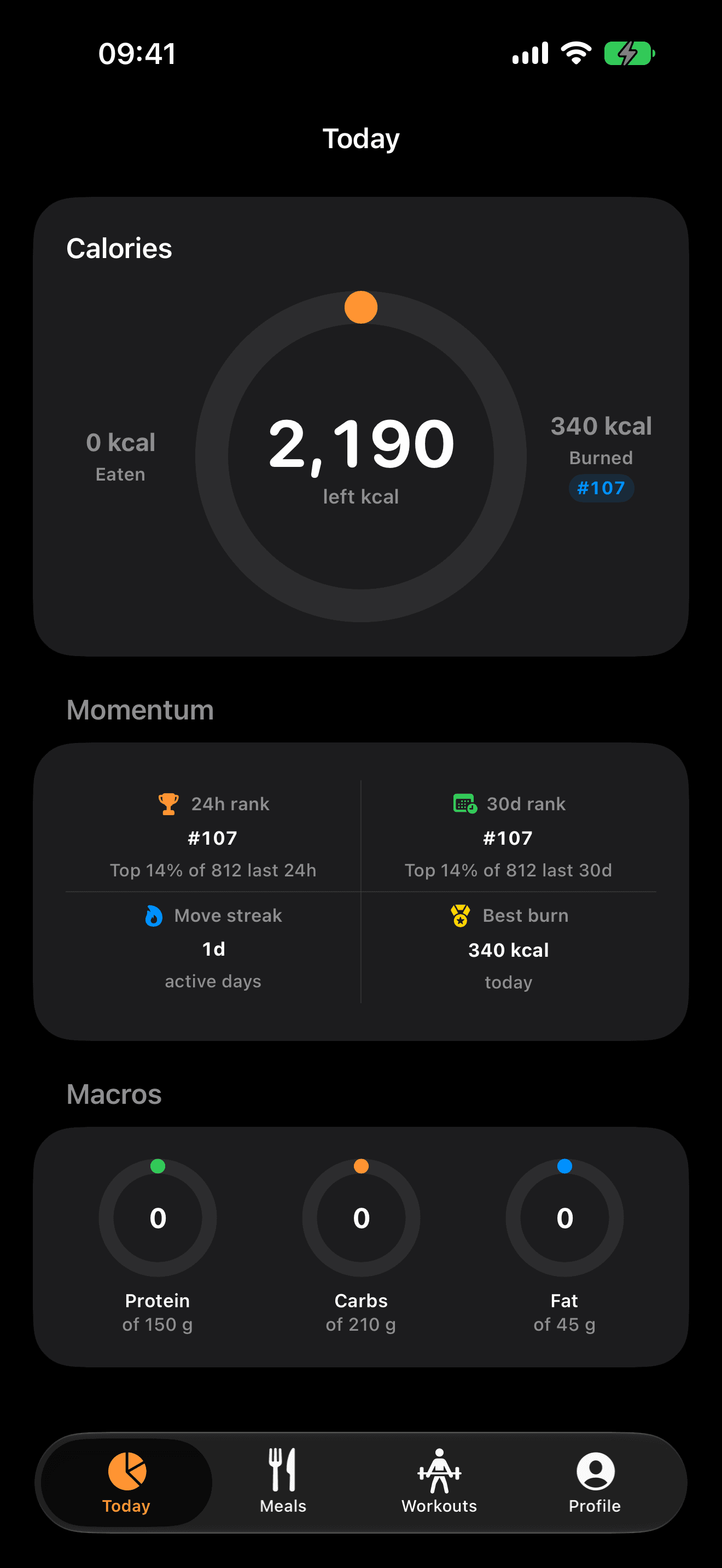
One honest number
A single calorie ring makes the day legible: what you ate, what you burned, and exactly what remains. On no-eat days, that same ring becomes your fasting countdown.
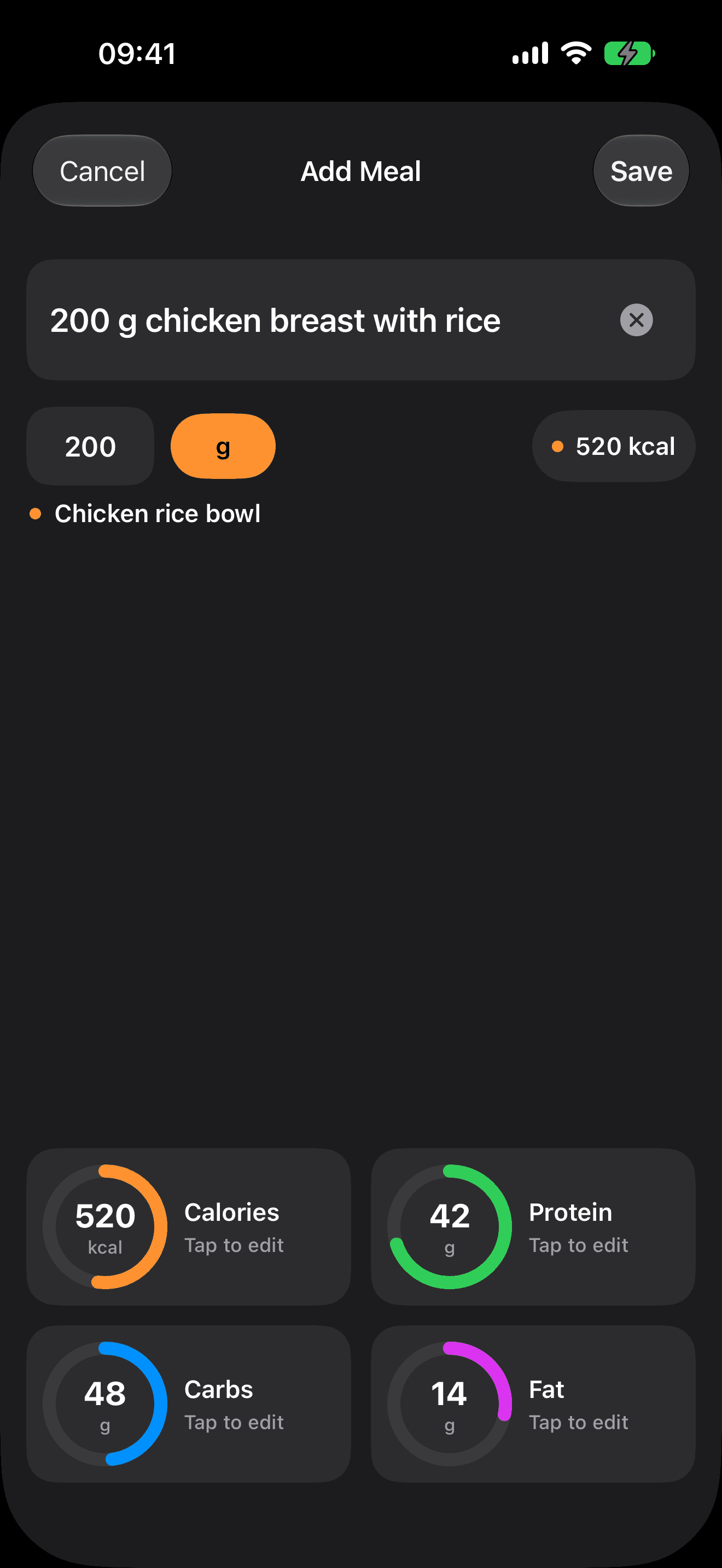
Fast in · Clear out
Type what you ate, use the camera, pick a photo, or add a full recipe. 99Fit estimates calories and macros, then keeps every number editable before you save.
Bring in weight, active calories, distance, and workouts — then optionally write completed training back to Health.
Log lifting, bodyweight, or cardio with the detail serious training deserves — without turning the app into a spreadsheet.
Five focused widgets keep calories, macros, quick logging, and progress one glance from the Home Screen.
06 — Direction
Set a goal weight and weekly pace. 99Fit turns the plan into daily targets and a visible ETA — enough direction to keep moving, without pretending progress is perfectly linear.